
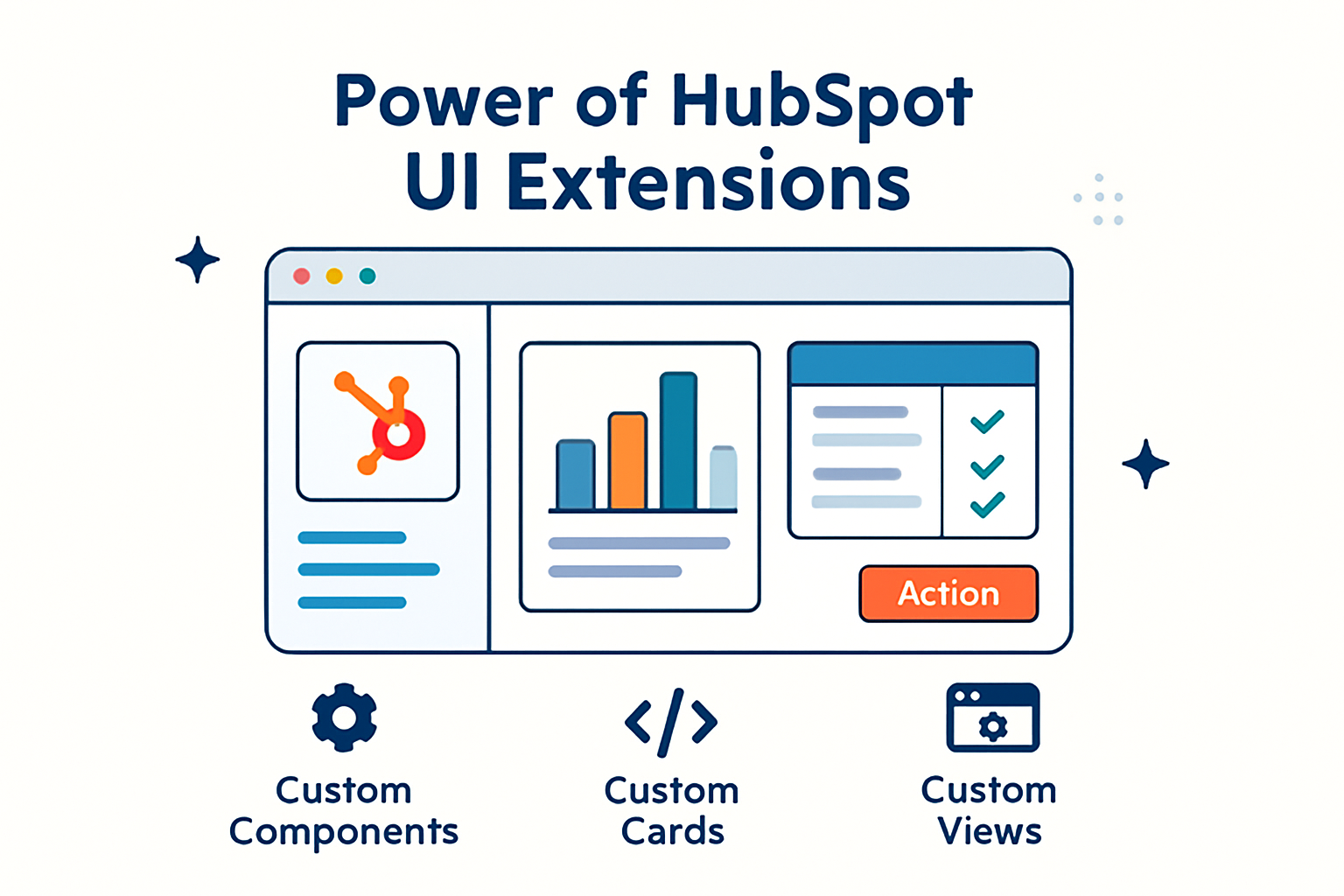
Unlocking the Power of HubSpot UI Extensions: Tips for Custom Development
Understanding HubSpot UI Extensions and Their Benefits
HubSpot UI Extensions enable developers to build custom interfaces that integrate directly with HubSpot’s platform. In practical terms, these extensions create opportunities to align the CRM experience with specific business processes. Rather than requiring teams to adjust their workflows to match standard, out‑of‑the‑box tools, UI Extensions make it possible to bring existing tools, data, and logic into HubSpot. This approach reduces context switching, supports smoother day‑to‑day operations, and can improve overall platform adoption.
The primary advantages of using HubSpot UI Extensions include higher user engagement, greater workflow efficiency, and deeper customization of existing tools to better address audience needs. By incorporating these extensions, organizations can streamline operations and present a more intuitive experience for end users. For example, teams can surface third‑party data directly on contact or deal records, embed custom calculators or product configurators into CRM views, or design focused dashboards that present only the most relevant information. Over time, these enhancements help teams work more quickly, minimize manual data entry, and ensure that key insights appear at the most useful moments within each workflow.
Getting Started with Custom Development in HubSpot
To begin developing custom UI Extensions in HubSpot, start by reviewing the HubSpot API and developer documentation. This material outlines how to structure, build, test, and deploy extensions, and it explains important concepts such as authentication, data models, and available UI components. Studying the documentation early will also clarify HubSpot’s security best practices and describe how extensions interact with CRM objects, pipelines, and other core features of the platform.
Next, consider setting up a local development environment that uses HubSpot’s command‑line interface (CLI). Working with the CLI can simplify project management and give you direct access to a range of development tools from your command line. Common tasks include scaffolding new extension projects, running local servers for live previews, validating configuration files, and deploying updates to your HubSpot account. Establishing a consistent workflow from the outset—for instance, by using version control, branching strategies, and automated tests—makes it easier to refine and extend your UI Extensions as requirements change.
Best Practices for Designing Effective UI Extensions
When designing UI Extensions, focus on user experience by creating interfaces that are intuitive, predictable, and easy to navigate. Aim to keep the visual design aligned with HubSpot’s existing UI so that users experience a cohesive environment. This typically involves following established patterns for typography, spacing, and interaction, allowing users to immediately recognize familiar behaviors such as modals, buttons, and tab structures. Clear labels, concise instructional copy, and logical grouping of controls can further reduce friction and shorten the learning curve for new users.
It is also important to account for performance. Effective extensions prioritize fast load times and smooth interactions across a variety of devices and network conditions. Techniques such as lazy‑loading nonessential data, caching frequently accessed information, and limiting unnecessary network requests can contribute to a more responsive experience. Before deployment, conduct thorough testing to identify and address potential issues. This includes validating behavior across multiple browsers and screen sizes, checking access for different user roles, and running usability tests with a small group of representative users. These activities help confirm that the extension genuinely improves existing workflows rather than introducing new complexity.
Real‑World Examples of Successful HubSpot UI Extensions
Many organizations have applied UI Extensions to enrich their use of HubSpot in targeted, practical ways. For example, a marketing agency built a custom reporting dashboard that aggregates data from multiple external systems. By consolidating metrics from advertising platforms, email tools, and web analytics into a single interface, the agency provided clients with real‑time visibility into performance. This “single source of truth” substantially reduced the need for manual reporting and increased transparency in client communication.
In another case, a sales team developed a lead scoring extension to rank leads according to criteria that reflected their specific sales process. This custom scoring model streamlined prioritization, helped representatives focus on the most promising opportunities, and contributed to higher conversion rates. The extension displayed each lead’s score and the underlying factors directly on the contact record, enabling sales reps to quickly interpret lead quality and tailor their outreach strategies. Other organizations have created extensions that synchronize inventory data, support tickets, or billing information into HubSpot, allowing revenue teams to make informed decisions without leaving the CRM environment.
Troubleshooting Common Challenges in HubSpot Custom Development
During the development of UI Extensions, you may encounter issues such as API rate limits, compatibility problems, or unexpected bugs. These challenges can result from several factors, including misconfigured authentication, outdated dependencies, or updates to HubSpot’s APIs and features. When problems arise, a useful first step is to examine the error information provided by HubSpot’s tools—such as CLI output, browser console logs, and server‑side logs. These sources often highlight the relevant endpoint, status code, and potential remediation steps. Keeping a record of errors and attempted solutions can reveal patterns over time and support more efficient debugging.
When debugging, aim to isolate the issue as much as possible. Reproduce the behavior in a minimal test environment, verify that API keys or private app tokens include the appropriate scopes, and confirm that the extension is using currently supported APIs. It is also helpful to inspect network requests in your browser’s developer tools to ensure that data is being transmitted and received as expected. If your extension depends on external systems, test those integrations independently to rule out configuration problems or latency in third‑party services.
Finally, engaging with the broader HubSpot developer community can be an effective way to discover solutions and best practices. Participating in discussion forums, joining virtual meetups, and reviewing shared example projects can expose you to proven patterns for managing complexity in UI Extensions. Regularly consulting the documentation and monitoring updates—such as release notes, deprecation notices, and newly introduced UI Extension capabilities—will help reduce the risk of breaking changes affecting your projects. Over time, creating an internal library of reusable components, utilities, and patterns specific to HubSpot development can further streamline future work and improve the maintainability of your extensions.

Submit Your Comment